
RAM & SSD Upgrade
More memory and speed for your laptop or PC without buying a new one
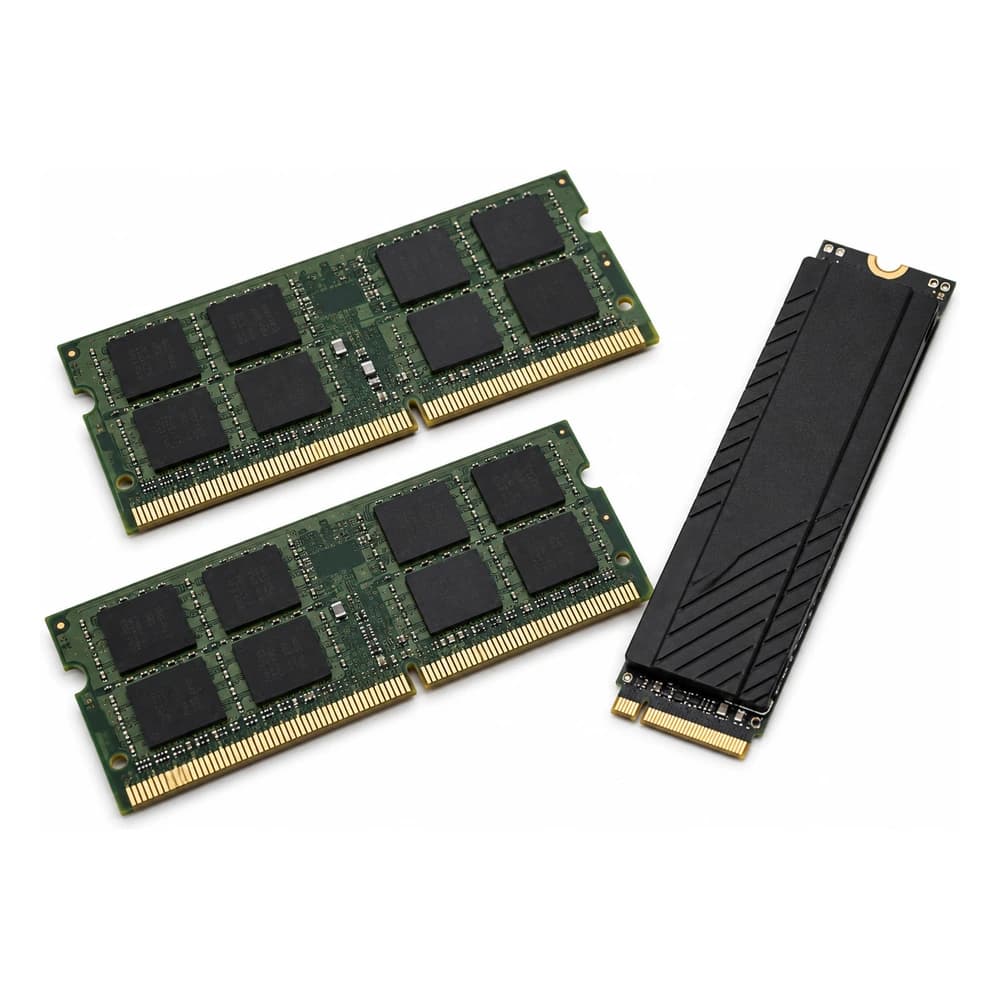
Often a "slow" computer doesn't need replacing, just upgrading: swapping a mechanical hard drive for an SSD can cut boot time from minutes to seconds, and adding more RAM keeps the device from freezing when several programs are open at once.
We confirm which components your exact model supports (some laptops have RAM soldered to the board and can't be upgraded) and recommend the best option for your budget and how you use the device.
Free diagnostic · Price before we start · 90-day warranty
- Price
- from $59.99
- Average time
- Same day
- Warranty
- 90 days
- Stores
- Kendall & Hialeah
What's going on?
These are the cases we see every day. If yours isn't here, call anyway.
- The device takes a long time to boot
- It freezes with several programs or tabs open
- The hard drive makes noise or the device freezes
- You want to extend the device's life without buying a new one
- Little storage space available
How it works
No surprises. Nothing gets repaired until you approve the price.
- 1
What your machine takes
We check for free which components your model supports. Some laptops have soldered RAM that can't be expanded.
- 2
Clear quote
A firm price for the upgrade you pick, with our recommendation on what's worth it.
- 3
Installation
We fit the RAM or SSD with the machine open on the bench, without forcing connectors.
- 4
Migration
We move your system and files to the new drive where applicable, so you don't have to reinstall anything.
- 5
Handoff
You leave with the machine tested and a 90-day warranty.
Frequently Asked Questions
What people ask us at the counter, answered straight.
- How much does a RAM or SSD upgrade cost?
- Starting at $59.99. The final price depends on the capacity you choose and whether your model allows RAM expansion.
- Will I lose my files when switching to an SSD?
- No, we migrate your system and files to the new drive as part of the service.
- Can RAM be upgraded on every laptop?
- Not always — some models have RAM soldered to the board and can't be expanded. We confirm this in the free diagnostic before quoting.
- How long does it take?
- We do it the same day in most cases.
Where we are
Two stores in Miami-Dade. Repair at one, use the warranty at either.
Kendall
12879 SW 42nd St, Miami, FLIn the Rinconcito Latino plaza, next to the auto mechanic
Also repaired at this store
Ready to get it fixed?
Free diagnostic before any work. Stop by Kendall or Hialeah, or message us and we will tell you exactly what it needs.