
How Long Does an iPhone Battery Last and When Should You Replace It?
July 1, 2026 · 5 min read
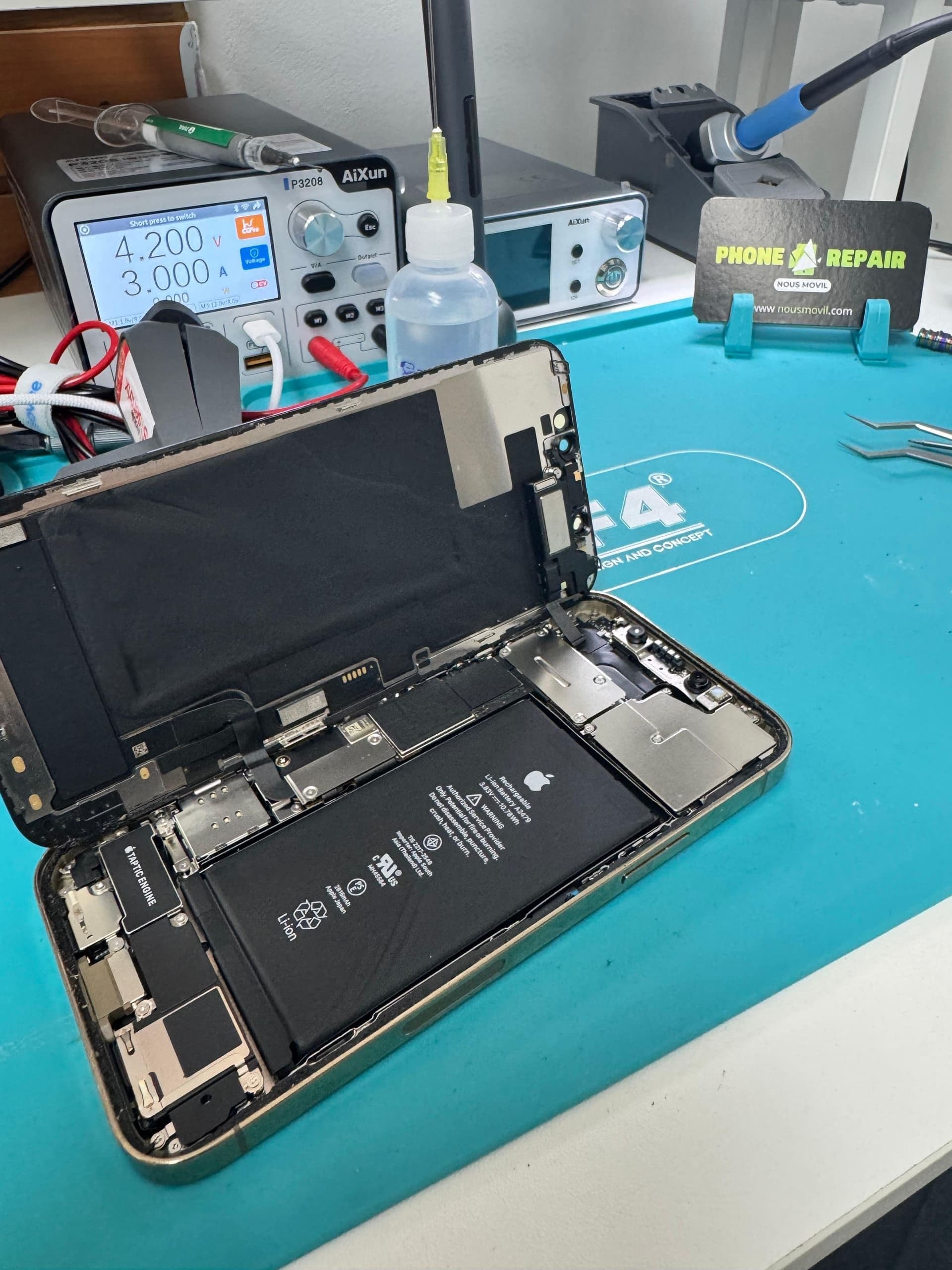
iPhone lithium batteries (like any phone's) are designed to retain 80% of their original capacity after 500 full charge cycles, which for typical use works out to roughly 2 to 3 years. Past that point, it's normal — not a defect — for the battery to perform worse than it did on day one.
How to check your battery health in seconds
Go to Settings > Battery > Battery Health & Charging. There you'll see a "Maximum Capacity" percentage. That number compares your battery's current capacity to what it had when it was new.
- 100%–90%: battery in good condition, normal performance
- 89%–80%: you'll start noticing shorter battery life, but it's still functional
- Below 80%: iOS may already show the "maximum capacity reduced" warning, and it's the recommended time to replace it
Signs your battery needs replacing, beyond the percentage
- The phone shuts off on its own with 20-30% battery remaining
- Performance suddenly drops when opening demanding apps (throttling)
- The device gets hotter than normal while charging
- The battery is swollen (the screen or back cover is lifting)
- You need to charge more than once a day with normal use
What if my battery is swollen?
Stop charging it immediately and bring the device in as soon as possible. A swollen battery can damage the screen and housing from the inside, and in extreme cases poses a fire risk. This isn't a repair to put off.
Battery replacement at Nous Movil Repair
We install high-capacity cells that meet or exceed the original specification, calibrate the battery indicator, and test the charge before handing the device back. Most battery replacements take 20 to 30 minutes, with a 90-day warranty included.
Frequently Asked Questions
Does replacing the battery erase my data?
No, a battery replacement doesn't affect internal storage, your photos, apps or settings.
Why does my iPhone shut off at 30% battery?
It's the most common sign that the battery can no longer deliver enough power on demand, typical of a battery with health below 80%. A free diagnostic confirms the exact condition.